
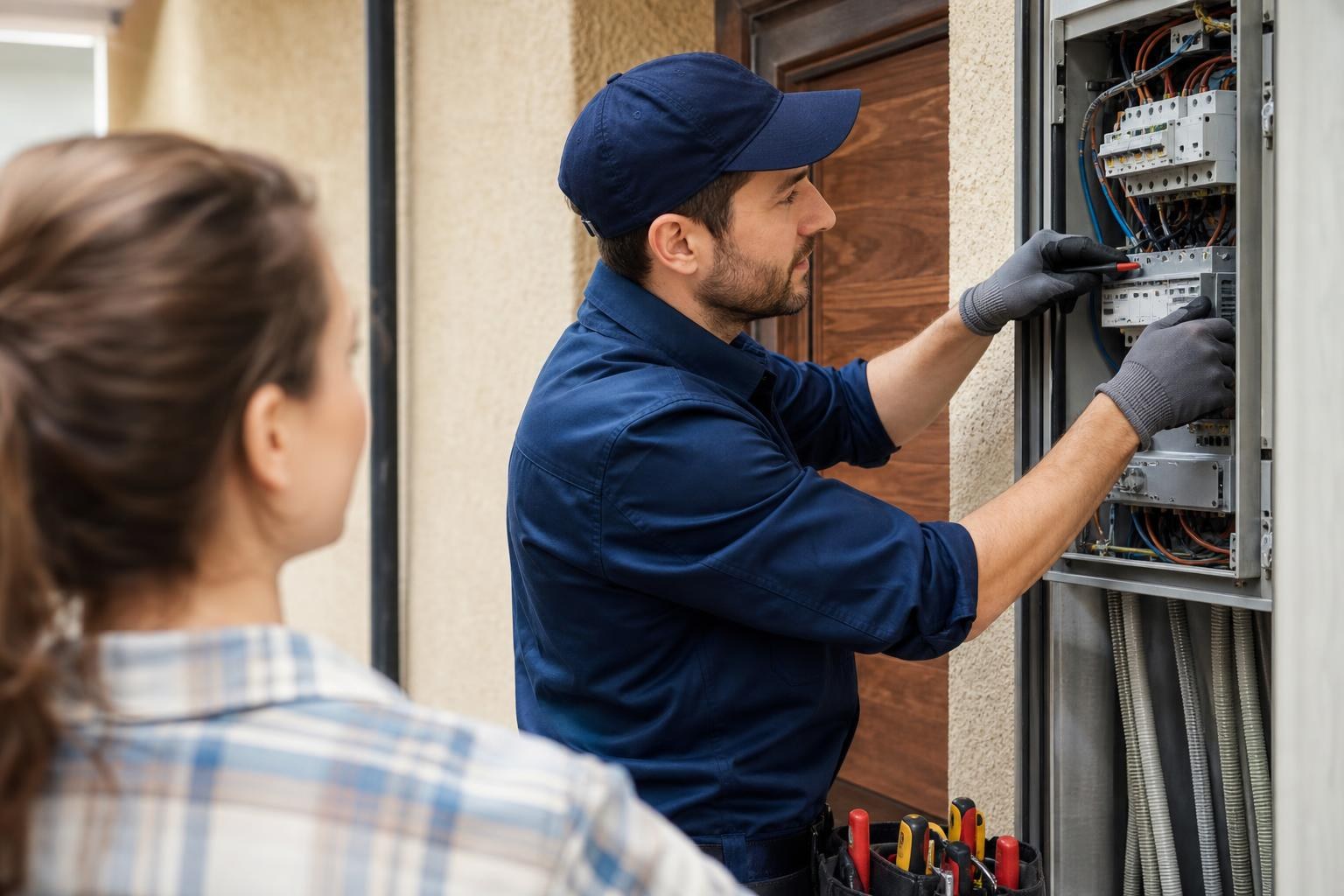
Google Business Profile for Electricians: Complete Optimisation Guide
Your Google Business Profile is probably the single most important piece of digital real estate you own as an electrician, and most sparkies treat it like an afterthought. A half-filled profile with a blurry logo and zero reviews is essentially invisible in local search results. Meanwhile, the electrician down the road who took 30 minutes to properly set up their profile is getting calls every week from homeowners and property managers who found them through Google Maps. The difference between a profile that generates leads and one that collects dust comes down to a handful of specific optimisation steps. This guide walks through every one of them, from initial setup through to tracking which actions actually bring in paying jobs. Whether you're a sole trader or running a team of six, these steps apply equally, and they work particularly well for electrical businesses across Australia where local search competition keeps intensifying.
Table of Contents
Maximising Local Visibility for Electrical Contractors
The Role of Google Business Profile in Local SEO
Claiming and Verifying Your Electrical Business
Optimising Core Business Information for Accuracy
Defining Service Areas and Trading Hours
Selecting Relevant Categories and Sub-categories
Showcasing Electrical Services and Expertise
Writing Keyword-Rich Service Descriptions
Utilising the Product Editor for Fixed-Price Jobs
Building Trust Through Visuals and Reviews
Best Practices for On-Site Project Photos
Strategies for Generating Positive Customer Feedback
Engaging Potential Clients with Google Updates
Posting Regular Updates and Special Offers
Maximising Local Visibility for Electrical Contractors
For electricians, almost every job starts with a local search. Someone's power goes out at 9pm, a landlord needs a safety certificate, or a builder wants a sparky for a new fit-out. The first thing most of these people do is type "electrician near me" into Google on their phone. What shows up in that Map Pack - the three listings that appear with the map above organic search results - determines who gets the call.
Google's local algorithm weighs three main factors: relevance (does your profile match what the searcher wants?), distance (how close are you to the searcher?), and prominence (how well-known and trusted is your business online?). You can't control distance, but you can absolutely control relevance and prominence through your profile. Electricians who optimise their Google Business Profile properly see a measurable jump in phone calls, direction requests, and website clicks within weeks, not months.
The Role of Google Business Profile in Local SEO
Your Google Business Profile (GBP) acts as a mini-website that Google controls and displays directly in search results. Unlike your actual website, which needs to be crawled, indexed, and ranked organically, your GBP appears in Maps and local results almost immediately once verified. For many electrical businesses, the GBP generates more direct enquiries than the website itself.
The profile feeds into Google Maps, voice search results (think someone asking their phone for a nearby electrician), and the local pack that dominates mobile search. In 2026, Google has continued expanding how much information it pulls from GBP listings, including service menus, booking links, and AI-generated summaries. If your profile is thin, Google has nothing to work with, and you'll be outranked by competitors who gave it proper attention.
Claiming and Verifying Your Electrical Business
If you haven't claimed your listing yet, head to business.google.com and search for your business name. Google may have already created a basic listing from public data. Claiming it gives you control over what appears.
Verification usually happens via postcard (a code mailed to your business address), though Google sometimes offers phone or video verification for established businesses. The postcard method typically takes five to seven business days in Australia. Don't skip this step or put it off. Until you're verified, you can't respond to reviews, post updates, or edit key details. If your business address has changed or you operate from home and serve customers at their location, you can set up a service-area business instead, which hides your street address while still showing your coverage zone.
Optimising Core Business Information for Accuracy
Getting the basics right sounds obvious, but inconsistencies here tank your local rankings faster than anything else. Google cross-references your business name, address, and phone number (known as NAP) across the entire web. If your GBP says "Smith Electrical Services" but your website says "Smith Electrical" and your Yellow Pages listing says "Smith's Electrical Services Pty Ltd," Google loses confidence in your listing.
Pick one exact business name and use it everywhere. Same with your phone number and address format. This consistency signals to Google that your business is legitimate and established. Audit your listings on directories like True Local, Yelp Australia, Hotfrog, and any trade-specific directories to make sure everything matches character for character.
Defining Service Areas and Trading Hours
For electricians who travel to job sites rather than operating from a shopfront, the service area setting matters enormously. You can define up to 20 service areas by suburb, city, or postcode. Be specific but honest. If you genuinely service the eastern suburbs of Melbourne, list those suburbs individually rather than just putting "Melbourne." Google rewards specificity, and you'll rank better in searches from those exact areas.
Trading hours deserve more thought than most sparkies give them. If you offer emergency call-outs, consider listing extended hours or 24/7 availability. Google shows "Open now" badges in search results, and a business that's marked as open at 7pm on a Tuesday will get the call over one that appears closed. You can also set special hours for public holidays, which prevents frustrated customers from calling when you're not available.
Selecting Relevant Categories and Sub-categories
Your primary category should be "Electrician" - that's straightforward. But the secondary categories are where you can gain an edge. Google offers dozens of relevant options, and you should add every one that genuinely applies to your business.
Consider categories like:
Electrical installation service
Lighting contractor
Emergency electrician
EV charging station contractor
Electrical engineer (if qualified)
Each category you add tells Google about another type of search where your profile should appear. An electrician who adds "solar energy contractor" will show up when someone searches for solar panel installation in their area. Don't add categories for services you don't actually provide, though. If someone contacts you expecting a service you can't deliver, the resulting negative interaction hurts more than the extra visibility helps.
Showcasing Electrical Services and Expertise
Your GBP has a dedicated services section that too many electricians leave blank. This is free real estate for telling Google exactly what you do, and it directly influences which searches trigger your listing. Think of it as a menu for your business.
The services editor lets you create categories (like "Residential Electrical" or "Commercial Electrical") and list individual services under each. Each service can have a description and a price or price range. Filling this out thoroughly gives Google dozens of additional keyword signals about your business without you having to stuff keywords anywhere.
Writing Keyword-Rich Service Descriptions
Each service description should be two to three sentences that naturally include the terms your customers actually search for. Don't write "We do switchboard upgrades." Instead, write something like "Full switchboard upgrades and replacements to meet current Australian standards. We replace old ceramic fuse boxes with modern safety switches and circuit breakers, including certification and compliance documentation."
The second version includes terms people actually type into Google: "switchboard upgrade," "safety switch," "circuit breaker," "compliance." You're not gaming the system. You're describing your service in the language your customers use. Do this for every service you offer: smoke alarm installation, ceiling fan installation, power point additions, safety inspections, data cabling, LED lighting upgrades, and so on.
Utilising the Product Editor for Fixed-Price Jobs
The product editor is a feature many electricians overlook entirely. It lets you create visual cards with images, descriptions, and prices that appear prominently on your profile. For fixed-price services, this is gold.
If you offer a standard smoke alarm compliance package for $220, create a product listing for it. If you do a standard switchboard upgrade starting at $1,800, list it. These product cards show up with photos in your profile and give potential customers immediate pricing transparency, which builds trust before they even call. Electricians who list three to five product cards with clear pricing and professional photos report higher conversion rates from profile views to actual calls because the customer already knows what to expect.
Building Trust Through Visuals and Reviews
A profile without photos might as well not exist. Google's own data shows that businesses with photos receive 42% more requests for directions and 35% more click-throughs to their websites. For electricians, this is especially true because customers want visual proof that you do quality work.
Reviews carry even more weight. A 2025 BrightLocal survey found that 87% of consumers read online reviews for local businesses, and most won't consider a business with fewer than ten reviews. Your review count, average rating, and how recently reviews were posted all factor into your local ranking.
Best Practices for On-Site Project Photos
Take photos of your completed work on every job. Before-and-after shots of switchboard upgrades, neatly run cable trays, LED downlight installations, outdoor lighting setups - these all tell a visual story about the quality of your work. A few guidelines that make a real difference:
Use your phone's camera in good lighting. No flash if you can avoid it.
Clean up the work area before photographing. A tidy job site signals professionalism.
Include a mix of close-up detail shots and wider shots showing the full installation.
Add photos of your team at work (with their permission) to humanise your business.
Upload at least two to three new photos per month. Freshness matters to Google.
Avoid stock photos entirely. Google can detect them, and customers can spot them. Authentic project photos outperform polished stock imagery every time.
Strategies for Generating Positive Customer Feedback
The best time to ask for a review is immediately after completing a job, while the customer is still impressed by your work. A simple text message with a direct link to your Google review page converts far better than an email sent three days later.
Create a short link to your review page (you can generate this from your GBP dashboard) and save it as a template in your phone. After finishing a job, send something like: "Thanks for choosing us, Sarah. If you're happy with the work, a quick Google review would really help us out: [link]." Keep it personal and low-pressure.
Agencies like Growth Local, which specialise in Australian trades businesses, often automate this process so a review request goes out automatically after every completed job. That kind of system has helped generate over 3,500 leads across their client base, partly because consistent reviews keep profiles ranking well and converting visitors into callers.
Engaging Potential Clients with Google Updates
Google Posts are an underused feature that lets you publish updates directly to your profile. Think of them as social media posts that appear in Google search results. They stay visible for seven days (or until their event date passes), and they give Google fresh content signals that can boost your visibility.
Most electricians post nothing. That's a missed opportunity. Even one post per week puts you ahead of 90% of your local competitors and keeps your profile looking active and current.
Posting Regular Updates and Special Offers
Effective post ideas for electricians include:
Seasonal reminders (storm season electrical safety tips, summer air conditioning circuit checks)
Before-and-after project showcases
Special offers (free safety inspections with any switchboard upgrade, for example)
Industry updates (changes to Australian wiring standards, new energy efficiency rebates)
Team news (new apprentice, completed training, awards)
Each post should include a photo, a short description (150 to 300 words works well), and a call-to-action button like "Call now" or "Learn more." Google gives you several button options, and using them increases engagement. Posts with photos get significantly more views than text-only updates.
Managing Direct Messages and Frequently Asked Questions
Google lets customers message you directly through your profile, and enabling this feature can capture leads who prefer texting over calling. The catch is that Google monitors your response time and may disable messaging if you consistently take too long to reply.
If you can't guarantee a response within a few hours, consider using an automated system to handle initial enquiries. Growth Local's AI receptionists, for instance, have handled over 1,300 calls for trades businesses, and similar automation can manage incoming messages so no enquiry goes unanswered, even when you're on a job site with your hands full of cable.
The FAQ section on your profile is another area worth populating. Add common questions and answers: "Do you provide certificates of compliance?" "What areas do you service?" "Do you offer emergency call-outs?" These FAQs appear on your profile and help Google understand your services better, while also reducing the number of repetitive questions you field by phone.
Analysing Performance Metrics to Drive Leads
Your GBP dashboard provides performance data that tells you exactly how customers find and interact with your profile. The key metrics to watch are search queries (what people typed to find you), profile views, direction requests, phone calls, and website clicks.
Check these monthly at minimum. If you notice that "emergency electrician [your suburb]" is driving significant views but few calls, your profile might not be communicating your emergency availability clearly enough. If direction requests are high but calls are low, your phone number might be hard to find or your hours might appear limited.
Track which photos get the most views - this tells you what potential customers care about seeing. Track which posts generate engagement. Over time, patterns emerge that help you refine your profile. An electrician in Sydney noticed that posts about EV charger installations consistently outperformed other content, so they expanded that service line and updated their profile categories accordingly. Within three months, EV charger enquiries accounted for 20% of their new leads.
Google also shows you how your profile compares to similar businesses in your area. If competitors have more reviews, more photos, or more complete profiles, you know exactly where to focus your efforts. This isn't guesswork. It's data-driven optimisation that compounds over time.
The electricians who treat their Google Business Profile as a living, evolving asset rather than a set-and-forget listing are the ones consistently appearing in the Map Pack and fielding calls from new customers every week. Every photo uploaded, every review earned, every post published, and every service listed adds another signal that tells Google your business is active, relevant, and trustworthy. The steps outlined here aren't complicated, but they do require consistency. Set a recurring reminder to update your profile weekly, respond to reviews within 24 hours, and review your performance metrics monthly. If you'd rather have someone handle all of this for you, Book Your Free Growth Call with Growth Local. They'll map out a complete plan for your electrical business covering everything from profile optimisation to automated lead capture, so you can focus on the work you're actually qualified to do.


