
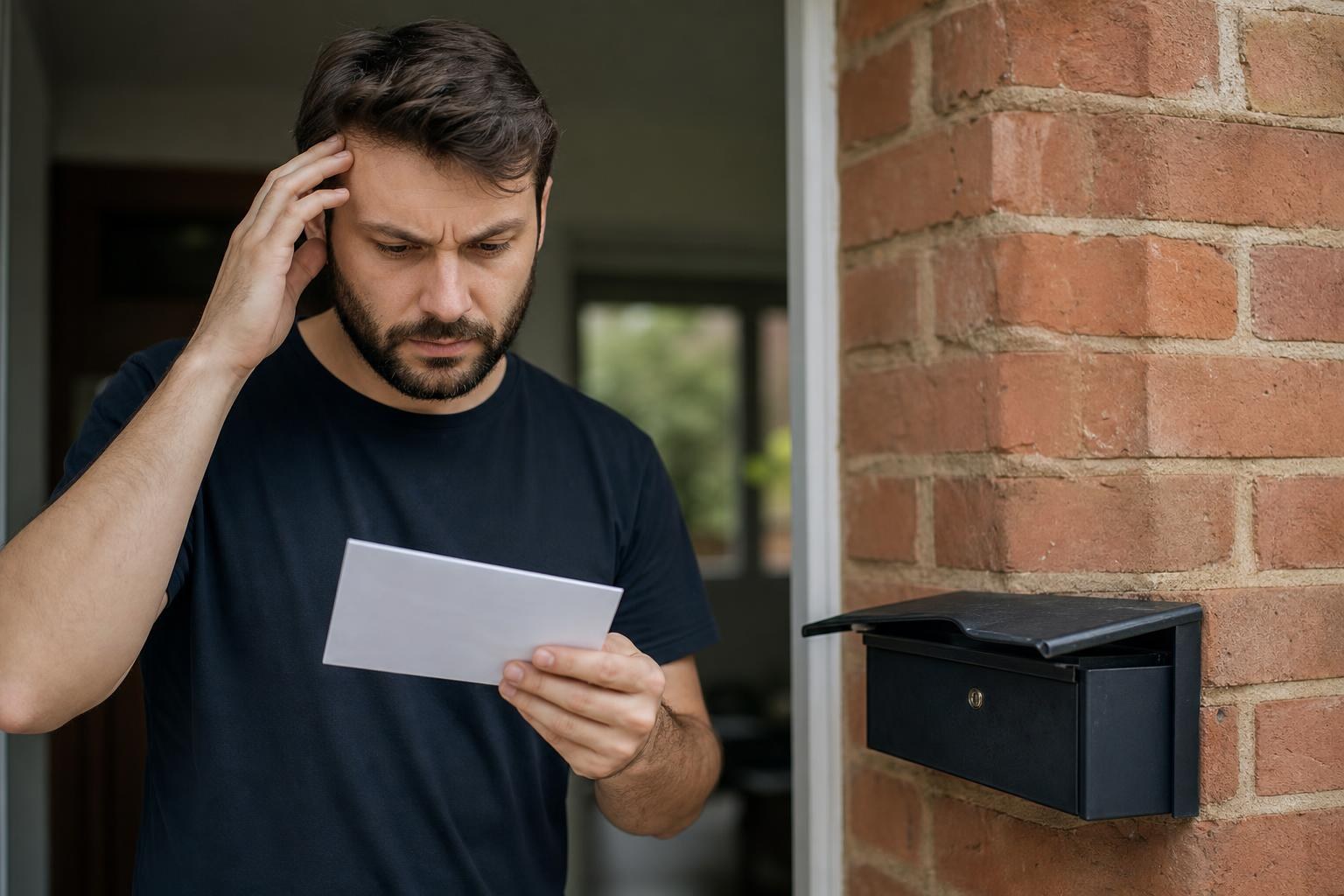
Google Postcard Verification Failed? Here's How to Fix It
Few things are more frustrating than waiting weeks for a Google Business Profile verification postcard, only to discover it never showed up, arrived with an expired code, or simply didn't work when you entered it. You've done everything right: claimed your listing, entered your address, and waited patiently. Now you're stuck in limbo, invisible on Google Maps while your competitors collect enquiries. If your Google postcard verification has failed, here's how to fix it and get your profile live without losing more time or business. This guide covers every practical step, from diagnosing what went wrong to pursuing alternative verification methods that actually work in 2026. Whether you're a plumber in Preston, an electrician in Essendon, or a landscaper in the Blue Mountains, the process is the same, and the stakes are real: an unverified Google Business Profile means you're missing out on local leads every single day.
Table of Contents
Common Reasons Why Your Google Business Profile Postcard Never Arrived
Incorrect or Incomplete Address Formatting
Post Office Delivery Issues and Delays
Making Unauthorised Changes During the Waiting Period
Immediate Steps to Take After a Failed Verification Attempt
Checking Your Business Information for Errors
Requesting a Replacement Postcard Correctly
Alternative Verification Methods When Postcards Fail
Email and Phone Verification Options
Instant Verification via Google Search Console
Using Video Verification for Faster Approval
How to Contact Google Support for Manual Verification
Preparing Evidence of Your Physical Business Location
Common Reasons Why Your Google Business Profile Postcard Never Arrived
Before you can fix the problem, you need to understand why it happened. Google's postcard verification system is surprisingly fragile, and several common issues cause postcards to go missing or arrive with unusable codes. Knowing the root cause saves you from repeating the same mistake when you request a replacement.
The verification postcard is a physical piece of mail sent to your listed business address. It contains a five-digit PIN that you enter into your Google Business Profile dashboard. Google gives you 30 days to use the code before it expires. If anything disrupts that chain, whether it's a wrong address, a postal delay, or changes you made to your profile, the whole process breaks down.
Incorrect or Incomplete Address Formatting
This is the number one reason postcards fail to arrive. Google's system is picky about address formatting, and even small inconsistencies can cause problems. If your listing says "Unit 3, 45 Smith St" but Australia Post's records have it as "3/45 Smith Street," the postcard might get returned or delivered to the wrong location.
Common formatting mistakes include abbreviating suburb names, omitting unit or suite numbers, using "Rd" instead of "Road" inconsistently, or listing a PO Box when Google requires a street address for service-area businesses. Google specifically prohibits PO Boxes for most business types, so if you've entered one, that's likely your issue right there.
Double-check your address against what Australia Post has on file. You can use their address validation tool online to confirm the exact format. Make sure your business name on the listing matches any signage or mail labelling at the premises, too, because posties sometimes use business names to confirm delivery.
Post Office Delivery Issues and Delays
Even with a perfect address, Australia Post can take its time. Google says postcards arrive within 14 days, but in regional areas or during busy periods, it can stretch to three or four weeks. Some business owners in rural Queensland and Western Australia have reported waits of over five weeks.
There's also the issue of shared mailboxes in commercial buildings. If your office is in a business centre with a communal mail area, someone else may have collected your postcard by mistake, or it could be sitting in a pile of unclaimed mail. If you operate from a co-working space or shared premises, speak to the building manager about incoming mail handling.
Occasionally, postcards are simply lost in transit. It happens. The postcard looks like generic mail: a plain white envelope with no Google branding on the outside. It's easy for someone to toss it thinking it's junk.
Making Unauthorised Changes During the Waiting Period
This one catches people off guard. If you edit certain fields on your Google Business Profile while waiting for the postcard, Google may invalidate the pending verification and require you to start over. The fields that trigger this include your business name, address, and category.
Google's logic is straightforward: if you change your address after requesting a postcard, the code sent to the old address is no longer valid. But even changing your business name or primary category can reset the verification process without any clear warning. The safest approach is to leave your profile completely untouched from the moment you request the postcard until you enter the code.
If you've already made changes and your code stopped working, that's almost certainly why. You'll need to request a new postcard and resist the urge to tinker with your listing while you wait.
Immediate Steps to Take After a Failed Verification Attempt
So your postcard didn't arrive, or the code didn't work. Don't panic. There's a clear sequence of actions that gives you the best chance of resolving this quickly.
Checking Your Business Information for Errors
Start by logging into your Google Business Profile and reviewing every detail. Compare your listed address character by character against your actual business address. Check the suburb, state, and postcode. Look for transposed numbers or missing unit identifiers.
While you're in there, confirm that your business name exactly matches your real-world trading name. Google cross-references this information, and discrepancies raise flags. If you trade as "Smith's Plumbing" but your listing says "Smith Plumbing Services Pty Ltd," that mismatch could cause issues down the line, even if it doesn't directly block postcard delivery.
Also verify your business category. Choosing the wrong primary category can sometimes route you into a different verification pathway or create complications. A "plumber" and a "plumbing supply store" have very different verification requirements.
Requesting a Replacement Postcard Correctly
If your first postcard didn't arrive within 14 business days, you can request another one directly from your Google Business Profile dashboard. Log in, find the verification section, and select "Request another postcard." Google will send a new one with a fresh code, and the old code becomes invalid immediately.
Before you hit that button, make sure you've corrected any address errors first. There's no point sending a second postcard to the same wrong address.
A few practical tips for the second attempt:
Ask your postie or building manager to watch for the envelope
Put a note on your mailbox specifying the business name if it differs from the name on the letterbox
Set a calendar reminder for 14 days out so you don't forget to check
Do not edit your business name, address, or category while waiting
If the second postcard also fails, it's time to explore alternative verification methods.
Alternative Verification Methods When Postcards Fail
Google has expanded its verification options significantly over the past few years, recognising that postal verification isn't reliable for every business. Depending on your business type and history, you may have access to faster methods.
Email and Phone Verification Options
Some businesses are offered email or phone verification instead of, or in addition to, postcard verification. These options appear in your Google Business Profile dashboard if Google determines your business is eligible. You don't get to choose: Google decides based on factors like your business category, how long the listing has existed, and whether Google can independently confirm your business details.
If phone verification is available, Google will call the number listed on your profile and read out a code. You enter it immediately. The whole process takes about two minutes. Email verification works similarly: Google sends a code to the email address associated with your business domain.
The catch is that these options aren't available to everyone. If you don't see them in your dashboard, you can't force them to appear. But it's always worth checking, especially after a failed postcard attempt, because Google sometimes unlocks additional methods when it detects a verification problem.
Instant Verification via Google Search Console
If you've already verified your business website through Google Search Console, you may qualify for instant verification of your Google Business Profile. This works because Google has already confirmed you own the domain, so it trusts you to claim the associated business listing.
To use this method, the email address you use for Google Business Profile must be the same one that owns the Search Console property. The website URL on your business profile must also match the verified domain in Search Console exactly.
This is one of the fastest paths to verification, and it's worth setting up Search Console even if you don't use it for anything else. For tradies and local service businesses, having Search Console connected also gives you valuable data about how your website performs in search results, which feeds directly into better SEO outcomes. Agencies like Growth Local typically set this up as part of their Google Business Profile optimisation work, which is one reason their clients rarely get stuck in verification limbo.
Using Video Verification for Faster Approval
Video verification has become increasingly common in 2026 and is often the best option when postcards fail repeatedly. Google asks you to record a short video showing your business location, signage, and proof that you're authorised to manage the listing.
The video needs to show a few specific things: the exterior of your business premises, your street address visible on signage or a nearby landmark, the interior of your workspace, and you physically present at the location. Google also asks you to show a form of identification and any business documentation like a licence or registration certificate.
You upload the video directly through your Google Business Profile dashboard. Google's team reviews it manually, which typically takes about five business days. The approval rate is high as long as your video clearly shows what they're asking for.
A few tips for a strong video submission:
Film during daylight so everything is clearly visible
Start outside showing your street number and business signage
Walk inside and show your workspace, tools, or equipment
Hold up your trade licence or ABN registration briefly
Keep the video under two minutes: Google doesn't want a documentary
How to Contact Google Support for Manual Verification
When all automated methods fail, you can escalate to Google's support team for manual verification. This is a slower process but often the only option for businesses with complicated situations, like those operating from residential addresses or newly established locations.
Preparing Evidence of Your Physical Business Location
Google's support team will ask for documentation proving your business operates at the listed address. Gather this before you contact them, because having everything ready speeds up the process considerably.
Useful documents include utility bills showing your business name and address, your ABN registration, local council permits or trade licences, commercial lease agreements, and any correspondence from government bodies addressed to your business location. If you're a tradie working from home, a rates notice or home insurance document showing the address can work, combined with your ABN registration.
Take clear photos or scans of these documents. Blurry images or partially visible details will result in Google asking for more evidence, which adds days or weeks to the process.
It also helps to have photos of your business premises, any vehicle signage with your business name and phone number, and screenshots of your business appearing on other platforms like Hipages, Yellow Pages, or your local council's business directory.
Navigating the Help Centre Contact Form
Getting to an actual human at Google can feel like solving a puzzle, but here's the direct route. Go to the Google Business Profile Help Centre, click "Contact Us," and select the category that best matches your issue. Choose "Verification" as your topic, then describe your situation clearly.
Google offers chat, email, and sometimes phone support depending on your region and account history. Chat tends to be the fastest option for Australian businesses. When you connect with a support agent, explain that you've attempted postcard verification multiple times without success and that you'd like to explore manual verification.
Be specific about what you've tried: mention the dates you requested postcards, whether you received them, and what happened when you entered the codes. The more detail you provide upfront, the faster the agent can escalate your case.
If the first agent can't help, politely ask to have your case escalated to the verification specialist team. These cases typically resolve within seven to ten business days once escalated.
Best Practices to Ensure Future Verification Success
Getting verified once is hard enough. Here's how to make sure you don't have to go through this again, and how to protect your listing once it's live.
Keep your business information consistent everywhere: your website, social media profiles, online directories, and your Google Business Profile should all show the exact same business name, address, and phone number. This consistency, often called NAP consistency, signals to Google that your business is legitimate and reduces the chance of verification complications if you ever need to re-verify.
Respond to Google notifications promptly. Google occasionally asks verified businesses to re-confirm their information, and ignoring these requests can result in your listing being suspended. Check the email associated with your Google Business Profile at least weekly.
If you move premises, update your address on Google before you stop receiving mail at the old location. You may need to re-verify, and you'll want postcards going to the right place.
For businesses that want to avoid this entire headache, working with a team that manages Google Business Profile setup and verification professionally can save weeks of frustration. Growth Local has helped generate over 3,500 leads for trades and service businesses across Australia, and proper profile verification is always the first step in that process. When your profile is verified and optimised correctly from day one, you start appearing in the Map Pack where local customers are actually searching.
Set up Google Alerts for your business name so you're aware of any changes or issues with your online presence. And if you ever receive a notification that someone else has claimed your listing, act immediately: Google has a process for reclaiming ownership, but it's time-sensitive.
The verification process is annoying, but it exists for a good reason: it stops fake businesses from cluttering Google Maps and stealing leads from legitimate operators. Once you're through it, your verified profile becomes one of the most powerful tools for attracting local customers.
If you're tired of chasing verification codes and want your Google Business Profile working properly from the start, Growth Local can handle the entire process for you. Book Your Free Growth Call and we'll map out a plan to get your business visible, verified, and generating leads on autopilot: no pitch, no pressure, just a practical conversation about what's actually going to move the needle for your business.


